
Getting Started with Throne
Last updated:
Throne keeps servers in profile groups. Learn how to download the desktop app, save a subscription so it can be refreshed, and check your first connection.
Contents
What is Throne?
Throne is a desktop proxy client for Windows, macOS, and Linux. It keeps individual servers as profiles and puts those profiles into groups. A subscription group remembers the URL it came from, so you can fetch the provider’s updated server list later.
How to Download and Install?
Choose a Windows installer or archive, macOS package for your chip, or Linux build for your distribution. Extract a ZIP before launching the app. The project provides separate instructions for Linux and macOS when a package needs extra setup. Download Throne for desktop
Interface Overview
- Group tabs let you switch among sets of profiles.
- Profile list shows servers, their connection test results, and the selection you can start.
- Start starts the selected profile. System Proxy lets desktop apps that follow system proxy settings use it.
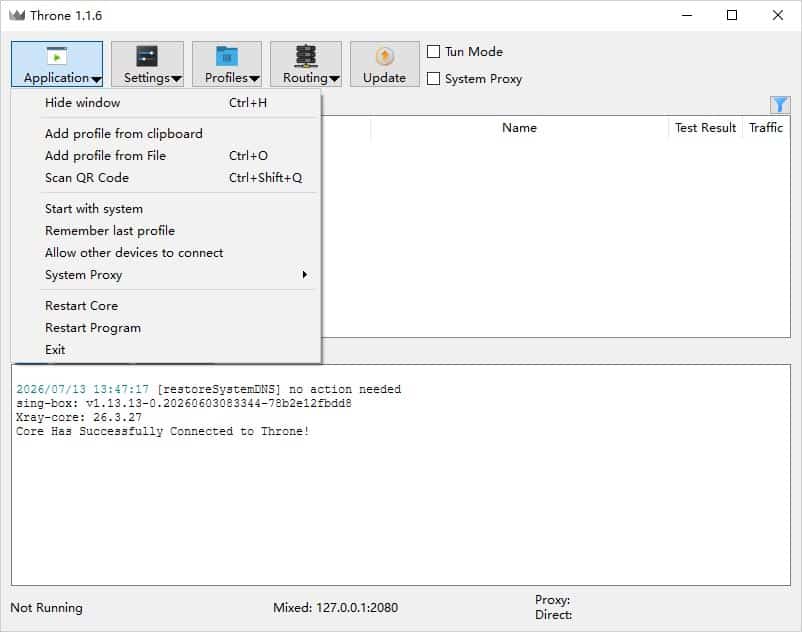
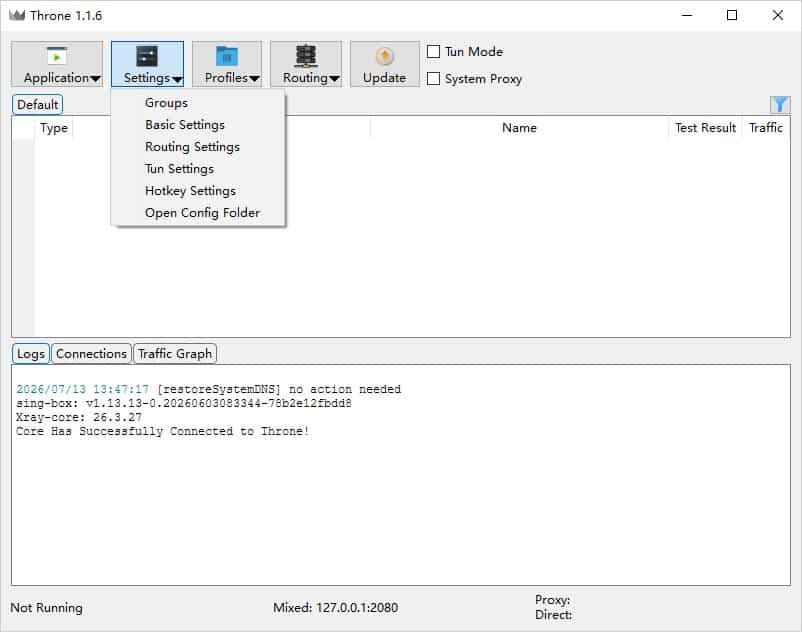
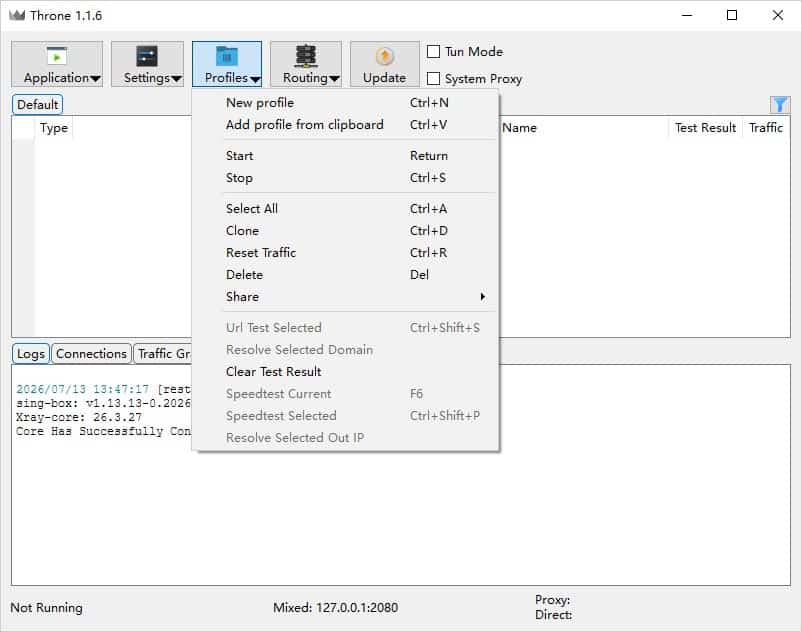
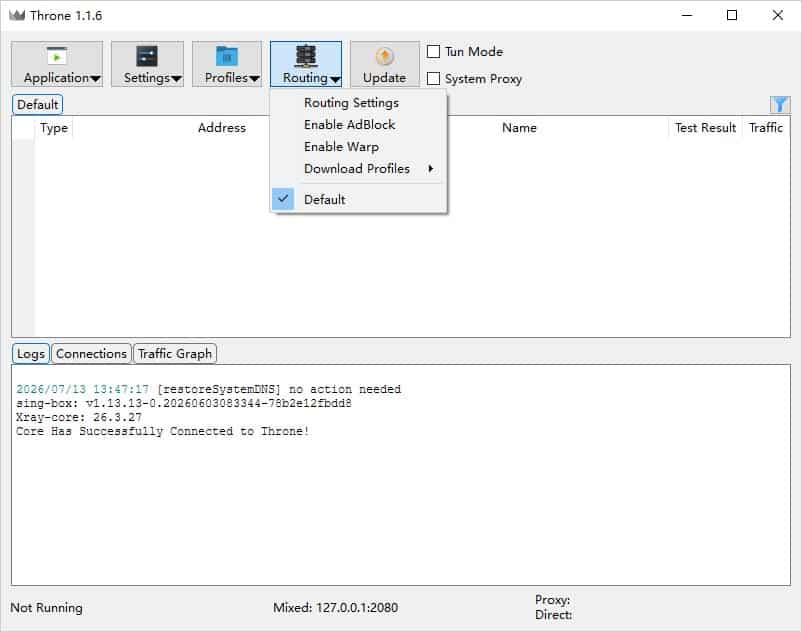
Servers
Have a compatible subscription URL or an individual share link ready. A subscription URL supplies a list you can refresh. A share link adds a single server to a group. See Throne subscription options
Quick Configuration
- Copy your subscription URL. In Throne, choose Program → Add profile from clipboard.
- Select Create new subscription group and open the resulting group tab.
- Select a profile and press Enter or Start. Enable System Proxy for browsers and other apps that use the system settings.
- Open a familiar website and check the in-app test result or log if it does not load.
If the group fails to update
Check the URL with your provider and try Groups → Update subscription. If the group stays empty, consult the provider about the URL’s format. See the Throne FAQ